
Origin Server Address
An origin server processes and responds to incoming requests from internet clients, serving as the primary source of content. You can configure up to four weighted primary origin IPs for an application, and optionally enable automatic failover to a backup origin for continued availability.
Go to Applications & Groups > Select Application > Application Configuration > Origin Server Address.
Click +Add Origin to add a new origin server.
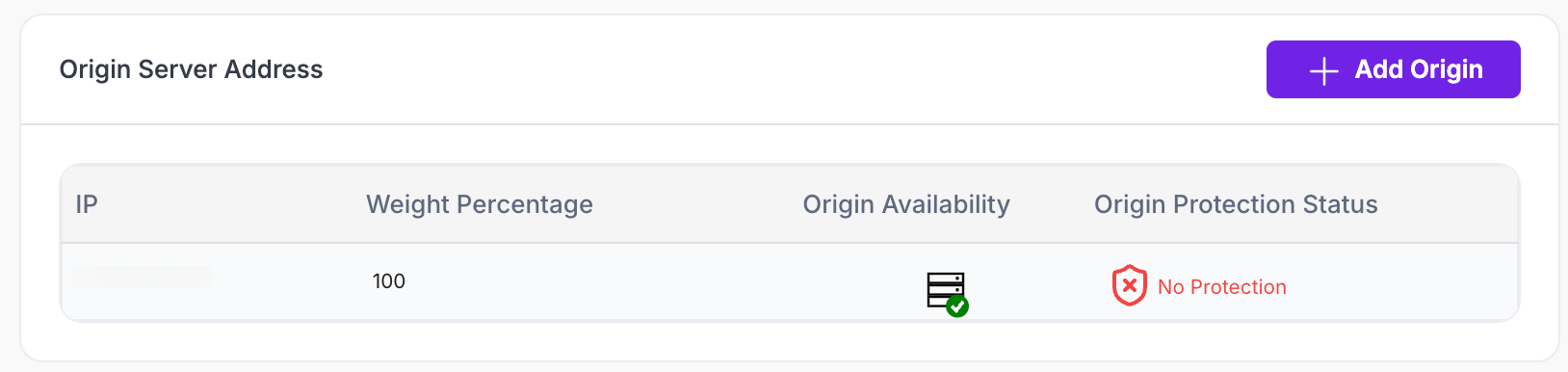
Enter the origin as either a static IP address or an FQDN (e.g., DNS pointing to an ALB/ELB).
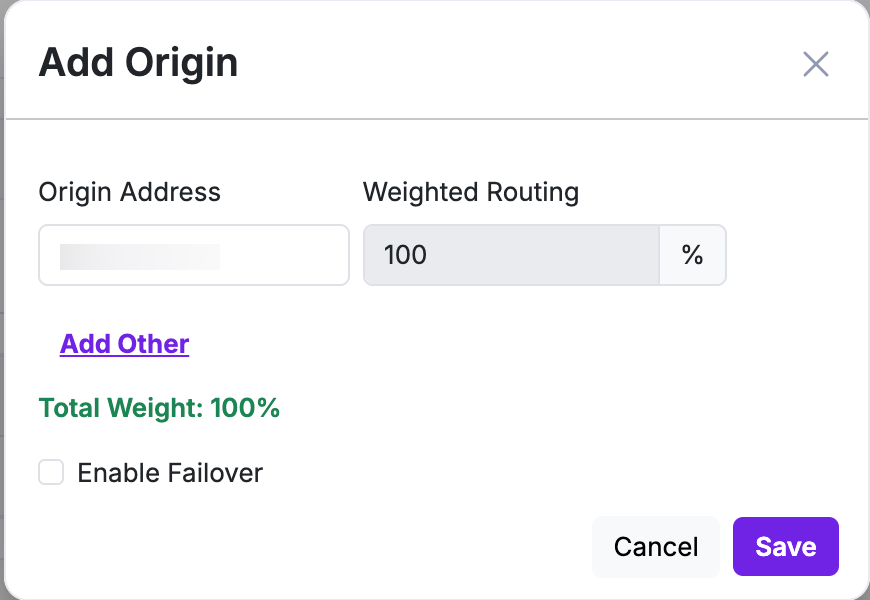
By default, the primary IP has a weightage of 100%. A newly added IP starts at 0%. Enter a value in the Weighted Routing field to adjust distribution (minimum 1% per origin). The primary IP's weightage auto-adjusts so the total always equals 100% across all origins.
Repeat to add up to four primary origin IPs.
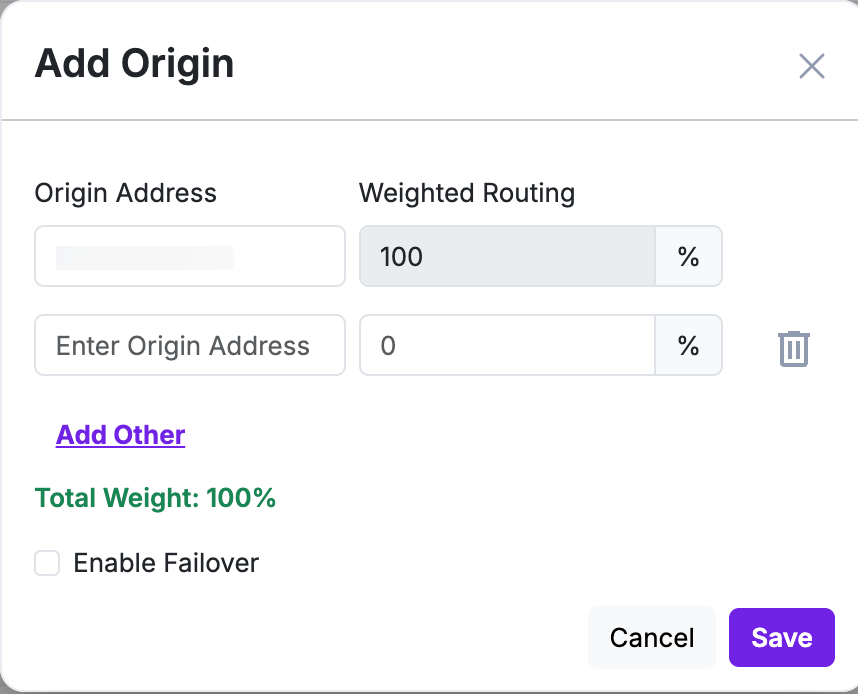
Enable Failover and add one or more validated backup origin IPs to protect against primary origin outages. (Optional)
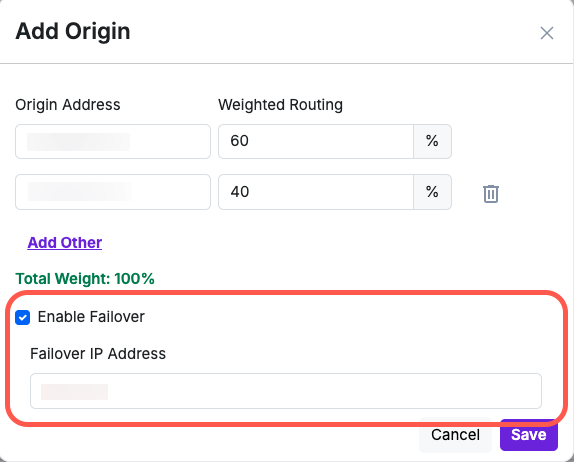
Click Save.
Failover behavior (applies once enabled):
- Weighted routing across primaries continues as long as at least one primary origin stays healthy.
- AppTrana checks origin health every 60 seconds.
- Failover triggers only when all primary origins are unavailable, and traffic then routes to an available failover origin.
- When a primary recovers, AppTrana waits for 5 consecutive successful heartbeats before restoring weighted primary routing (~5 minutes total, given the 60-second check interval).
Alerts:
- Failover alert 0 sent when all primaries are down and traffic has shifted to failover.
- Critical outage alert - sent if both primary and failover origins are unreachable.