---
title: "Summary"
url: "https://docs.indusface.com/en/article/summary-mssp"
language: "en"
last_updated: "2025-11-25T09:31:29.739Z"
---
# Summary
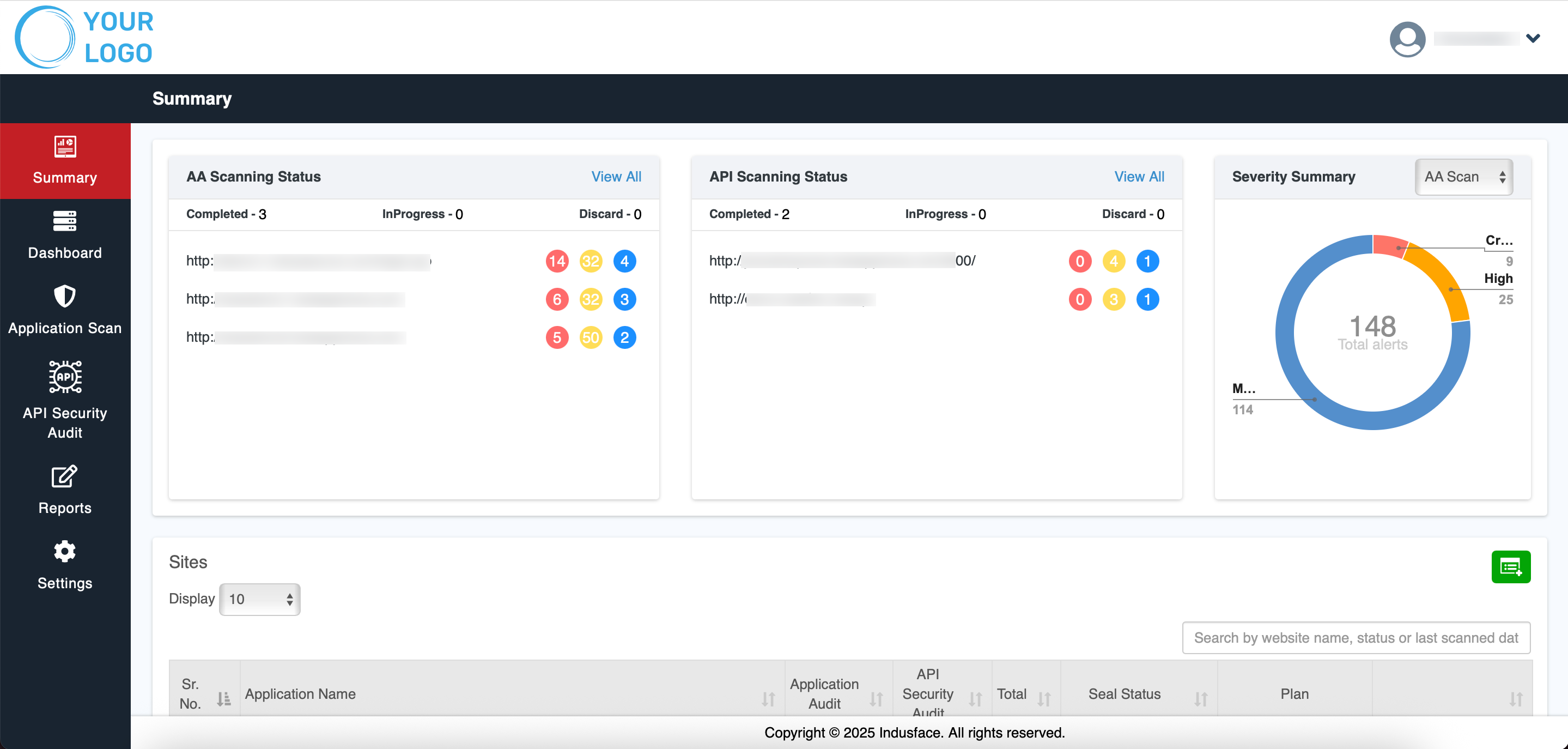
The **Summary** page displays an overview of the security posture of applications and APIs based on the scans performed. The status of completed audits and the vulnerabilities detected with each scan type are shown at the top.
## AA Scanning Status
The **AA Scanning Status** section provides an overview of application audit progress:
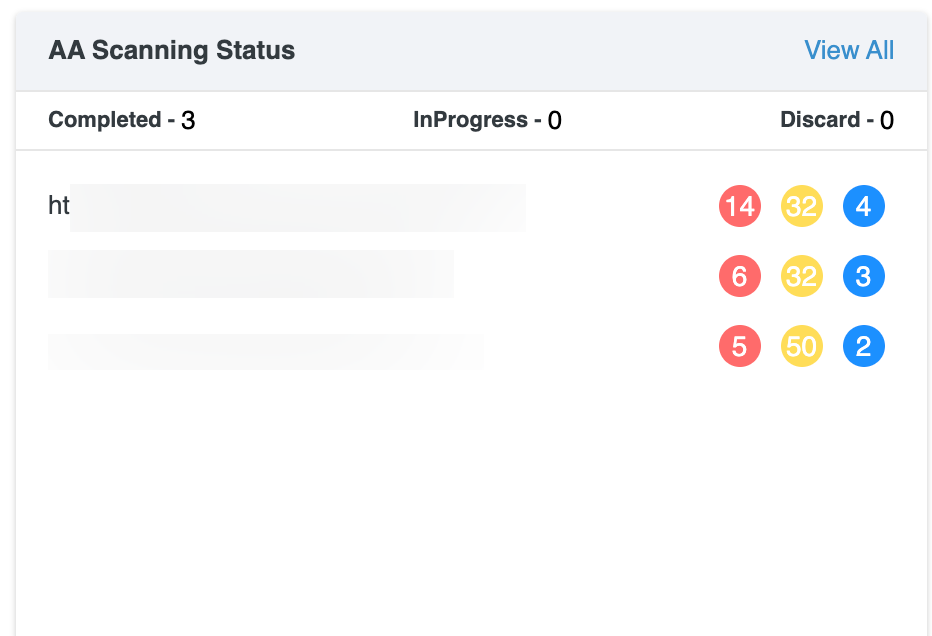
- **Scan Summary:** Displays the number of scans in each state: **Completed**, **In Progress**, or **Discarded**.
- **Application Findings:** Each application URL is listed with colored counters representing findings by severity:
- **Red:** Critical
- **Yellow:** High
- **Blue:** Medium
- **View All:** Selecting **View All** opens the complete list of application scans and navigates to the **Application Scan** tab for detailed information.

For comprehensive information about application scanning, its workflow, and result interpretation, refer to the **Application Scan Documentation**
## **API Scanning Status**
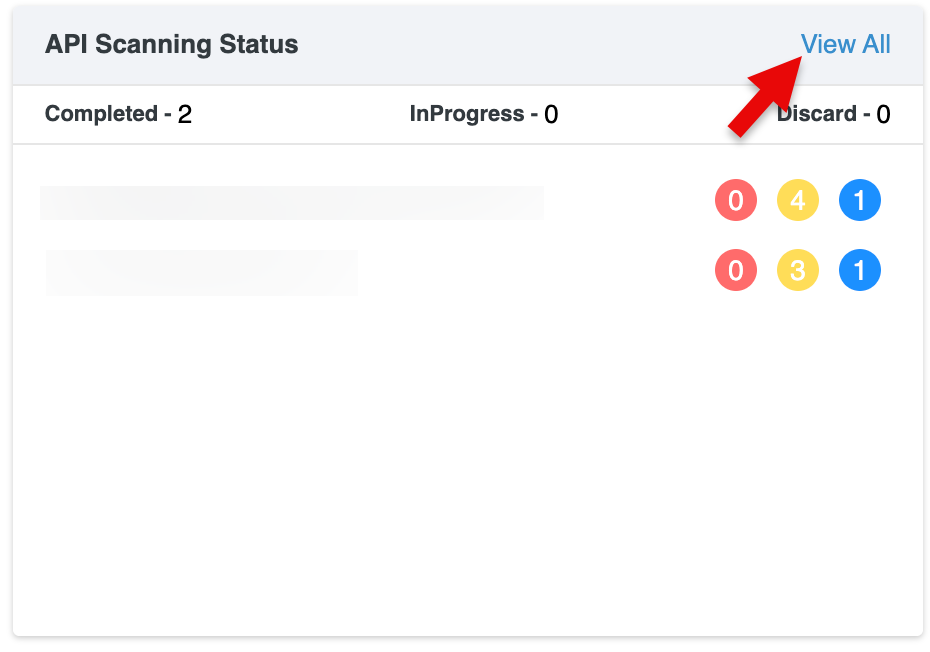
The **API Scanning Status** section provides an overview of API audit progress:
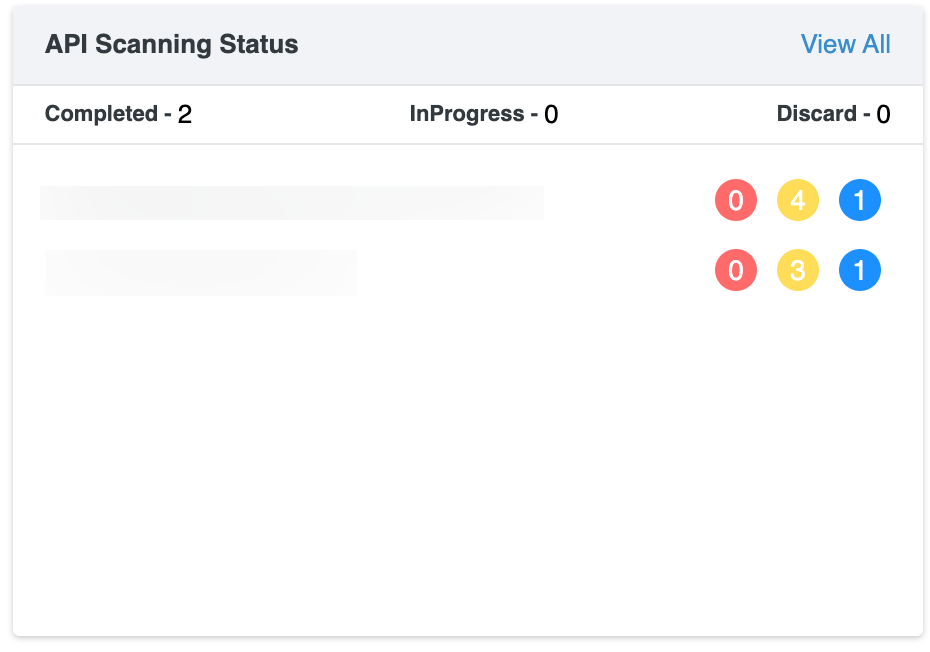
- **Scan Summary:** Displays the number of API scans in each state: **Completed**, **In Progress**, or **Discarded**.
- **API Findings:** Each API host is listed with colored counters representing findings by severity:
- **Red:** Critical
- **Yellow:** High
- **Blue:** Medium
- **View All:** Selecting **View All** opens the complete list of API scans and navigates to the **API Scan** page for detailed information.
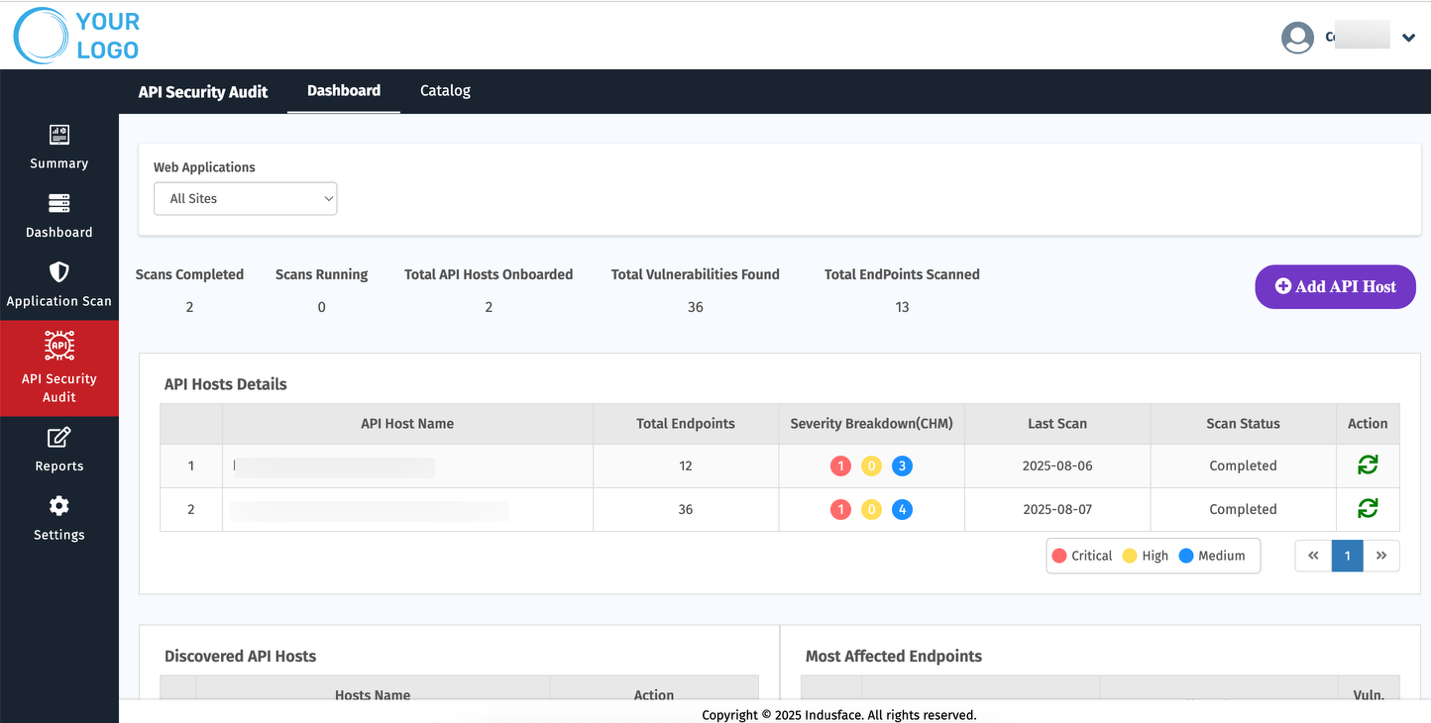
For comprehensive information about API scanning, its workflow, and result interpretation, refer to the API Scan Documentation.
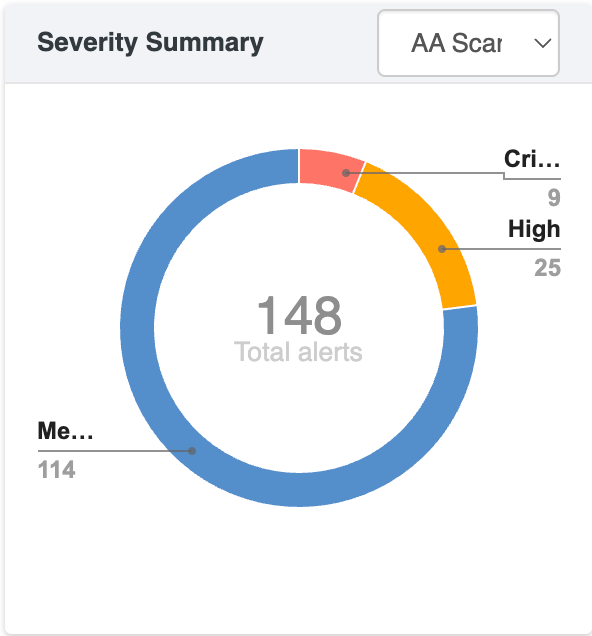
**Severity Summary**
The severity summary chart displays the overall distribution of findings by severity(**Critical, High, Medium**), providing a quick view of the risk level.
## Sites
The **Sites** section provides MSSPs with a centralized view of all client applications and APIs, showing **security status, audit results, and subscription plans** with quick actions like **view, delete, or scan.**
**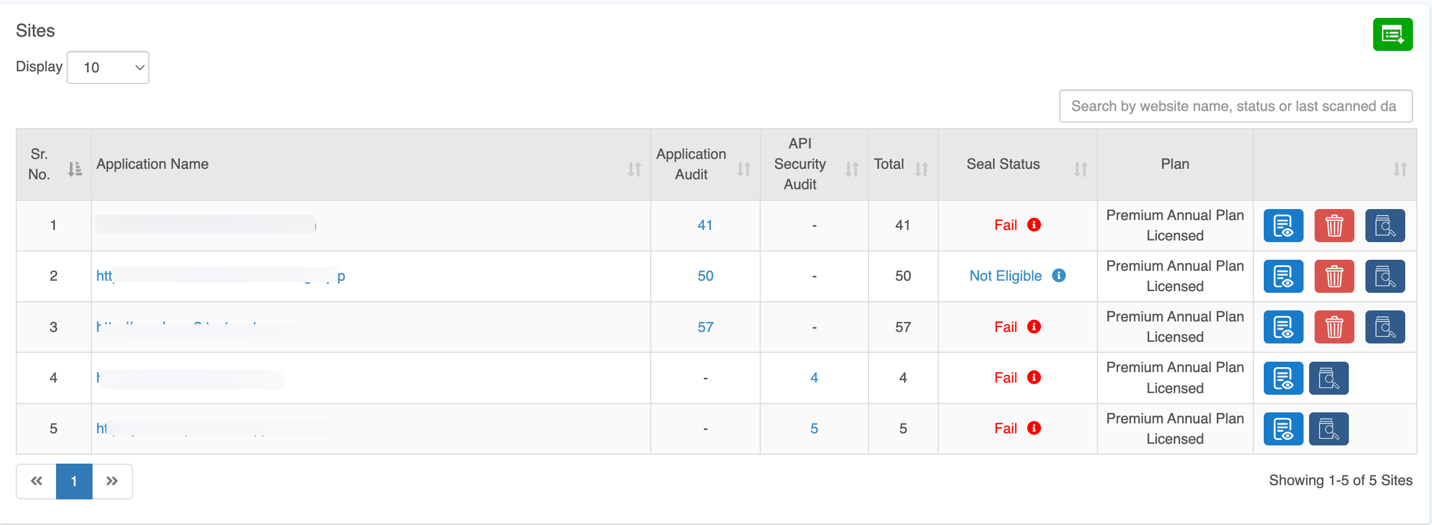**
| **Column** | **Description** |
| --- | --- |
| **Application Name** | URL of the onboarded application or API. |
| **Application Audit** | Number of findings from Authentication Audit scans. |
| **API Security Audit** | Number of findings from API scans. |
| **Total** | Combined count of findings from all scans. |
| **Seal Status** | MSSP security scan result:
**Not Eligible:** All services not subscribed or scans incomplete.
**Fail:** Critical or High-severity vulnerabilities detected; remediation required. **Pass:** All services cleared with no Critical or High vulnerabilities. |
| **Plan** | Subscription plan assigned to the site. |
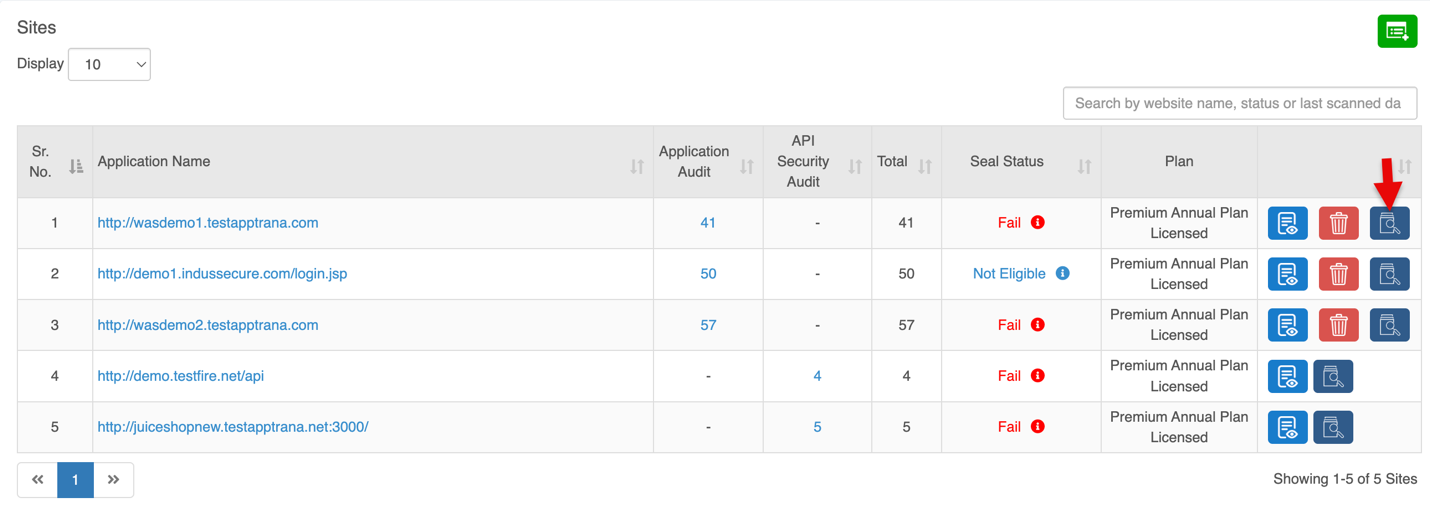
| **Quick Controls** | Options to **View Details**, **Delete**, **Scan Now**. |
## Detailed Report: Application Audit
Click the total count in the Application Audit column for a specific application to view detailed findings.
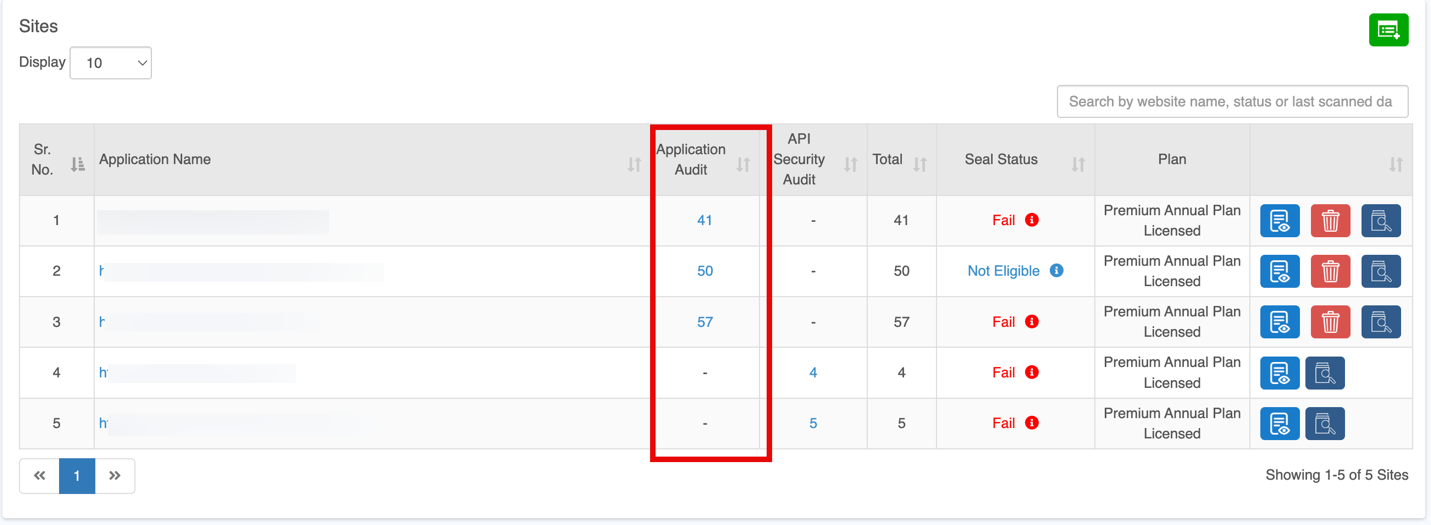
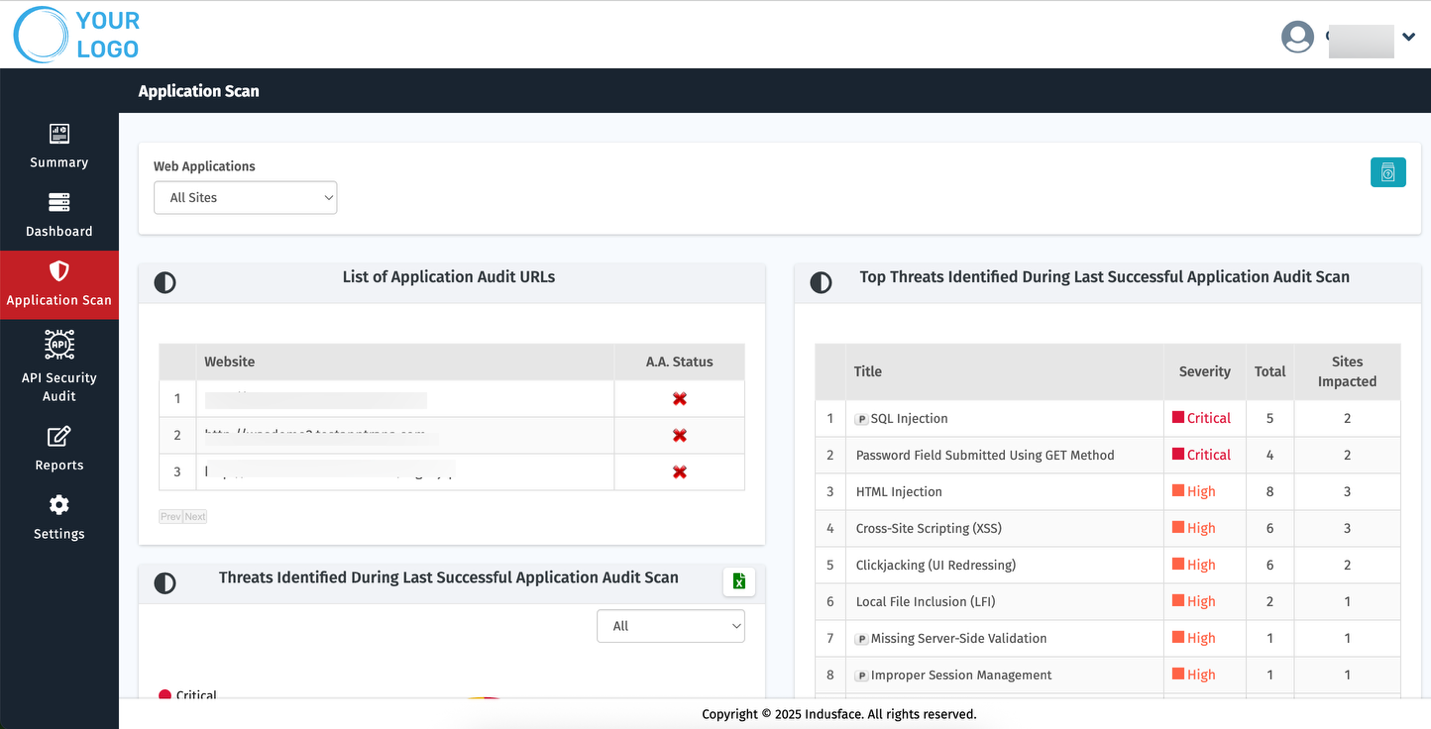
For comprehensive information about each sections in application scanning, refer to the [**Application Scan Documentation**](https://docs.indusface.com/en/article/application-scan-mssp)
## Detailed Report: API Security Audit
Click the total count in the API Security Audit column for a specific application to view detailed findings.
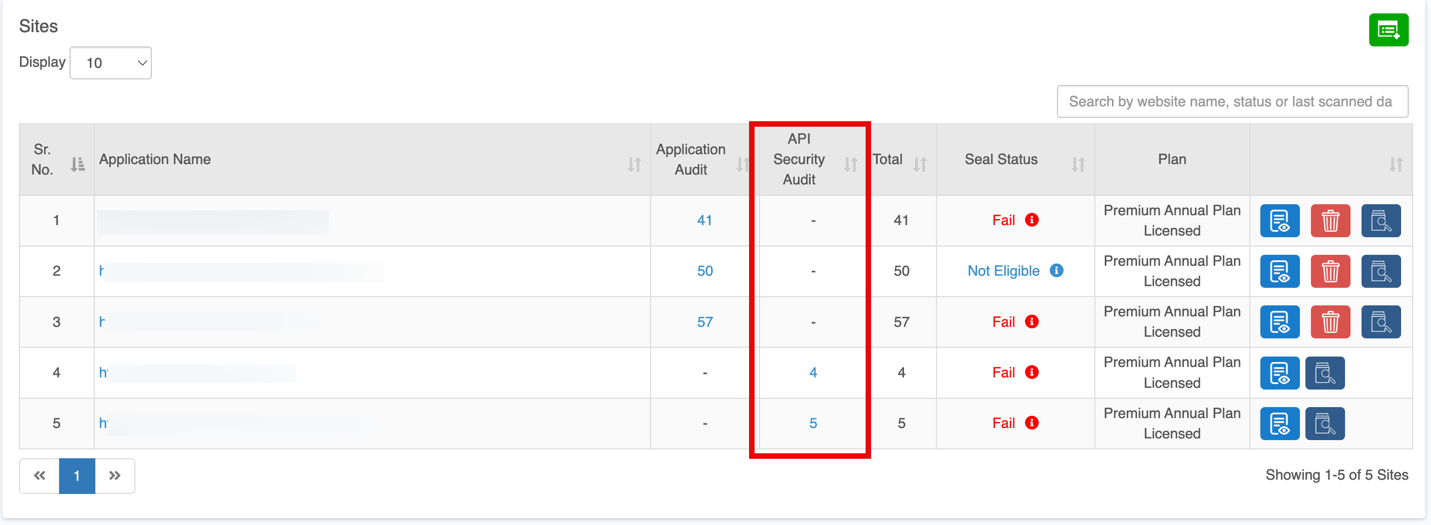
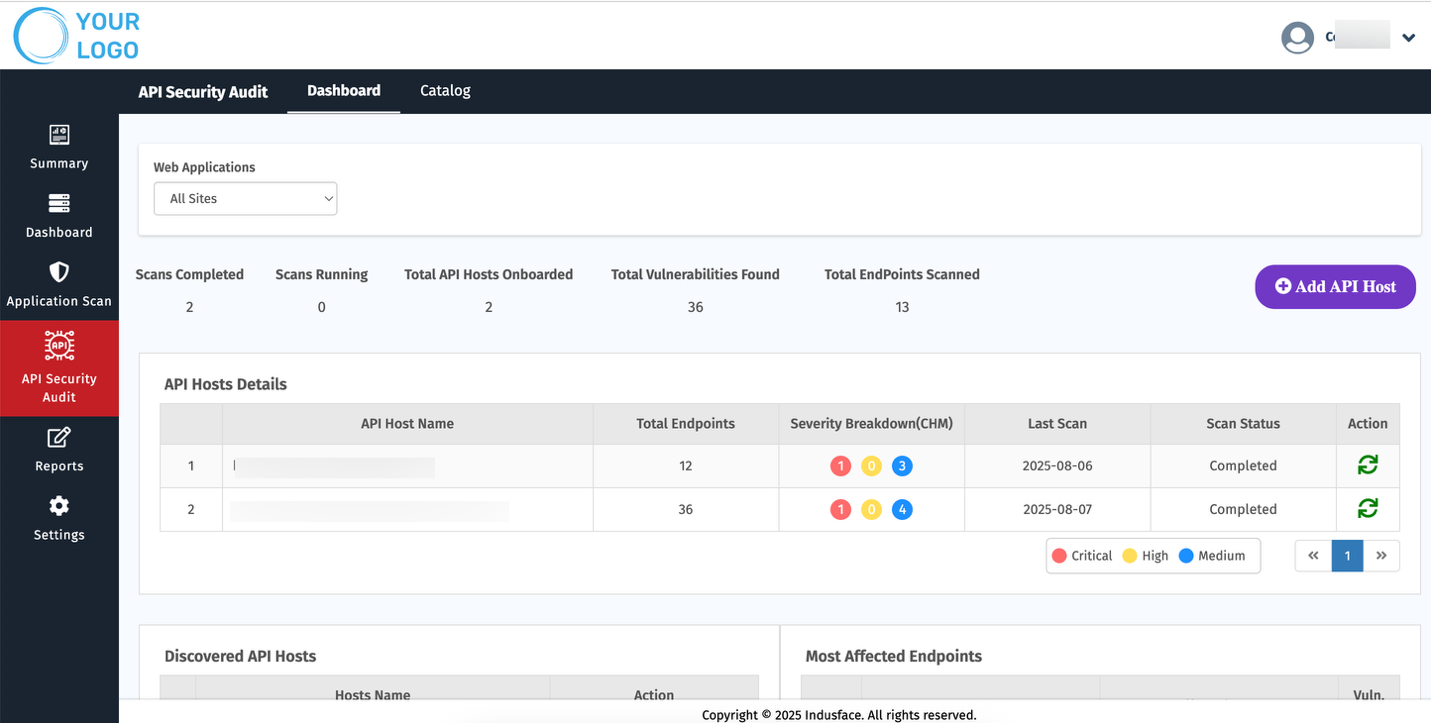
For comprehensive information about each sections in API security Audit, refer to the [**API Security Audit Documentation**](https://docs.indusface.com/en/article/api-security-audit-mssp)
## Quick Actions
### **View Details**
Clicking the **View Details** button redirects to the **Dashboard Tab**, displaying a detailed overview of the selected site.

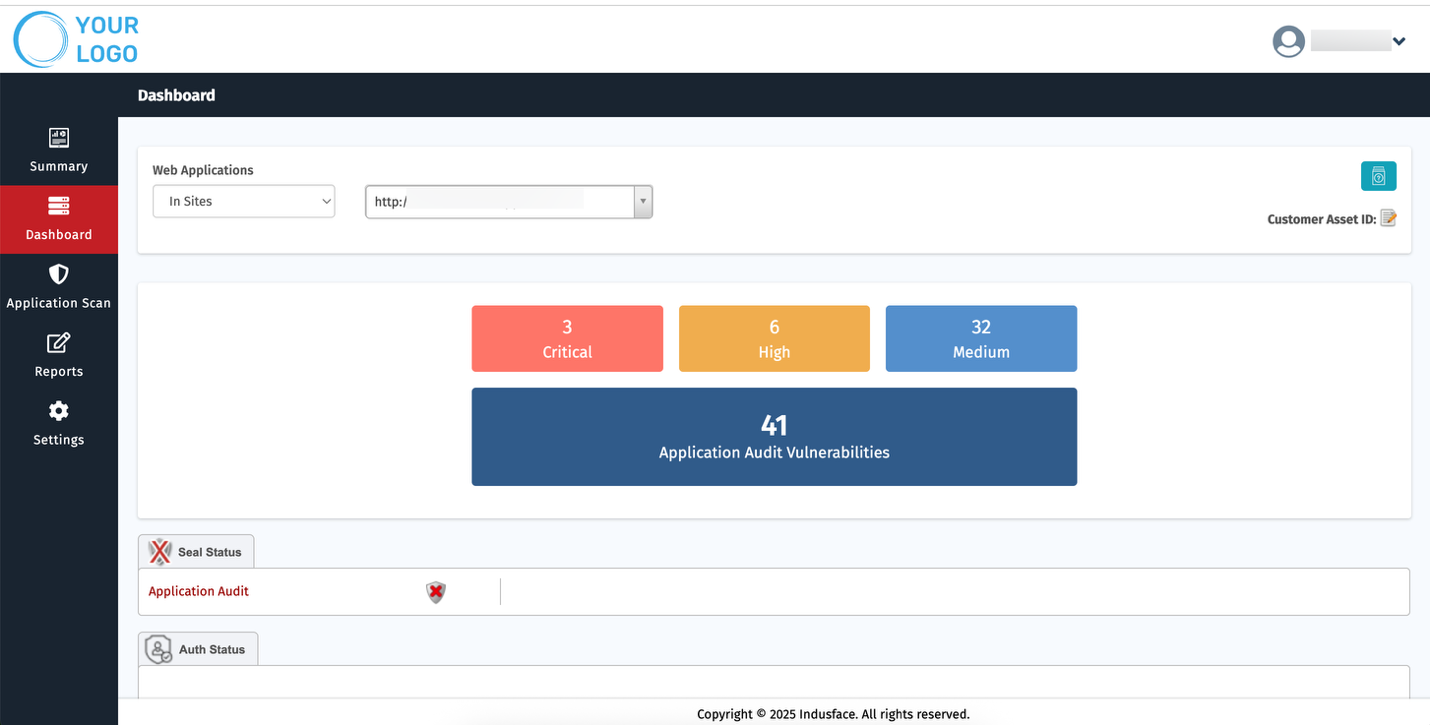
For comprehensive information about each sections in Dashboard, refer to the [**Dashboard Documentation**](https://docs.indusface.com/en/article/dashboard-mssp)
### Delete
Clicking the **Delete** button opens a **Survey Form** to capture the reason for deletion and confirm the action.
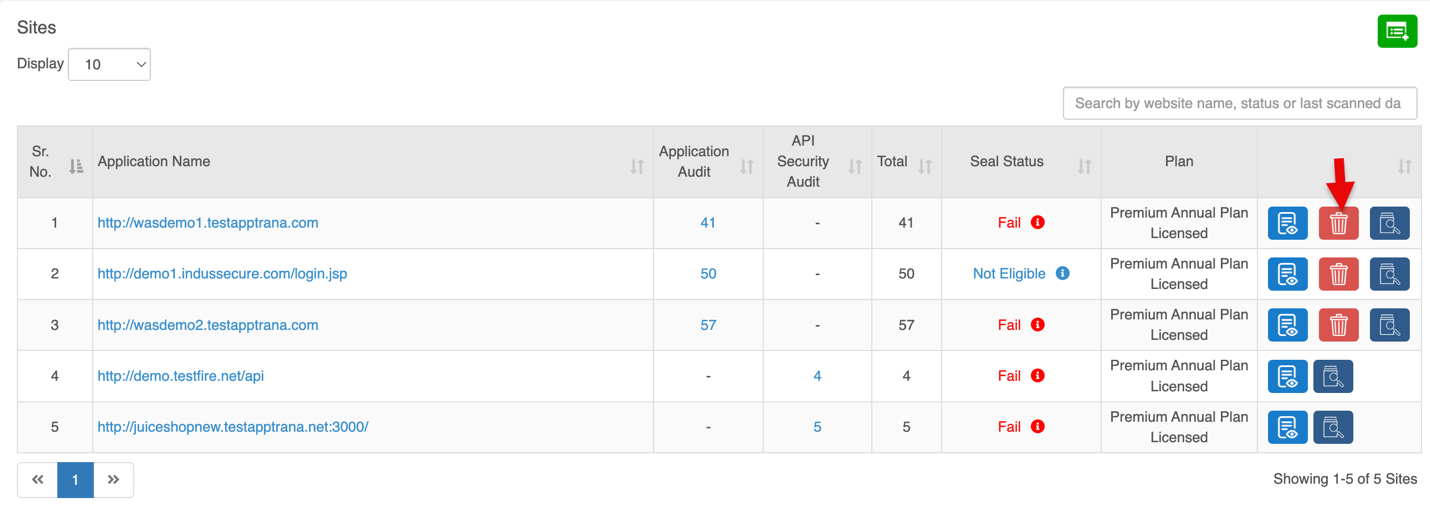
Confirmation is required before proceeding.
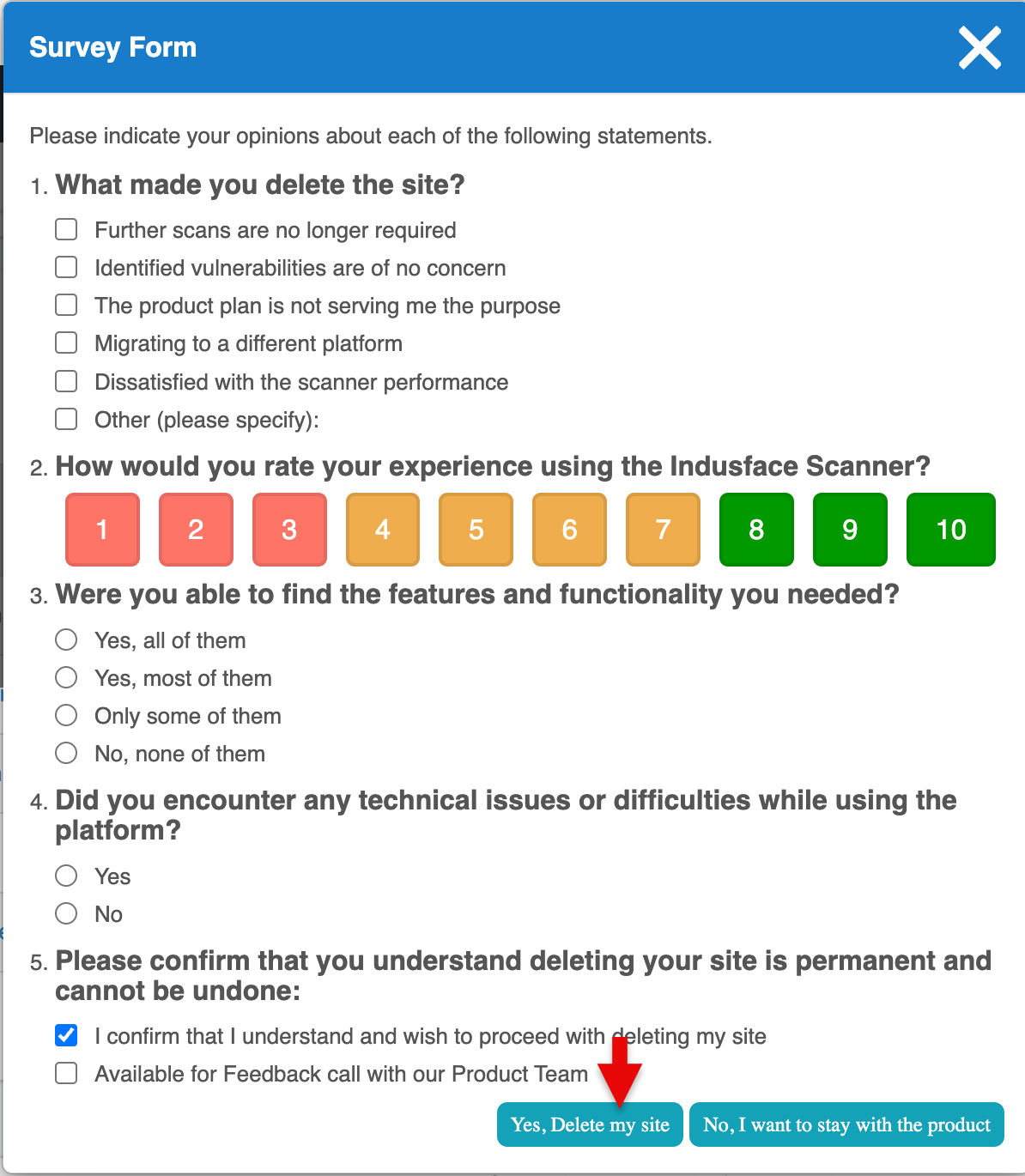
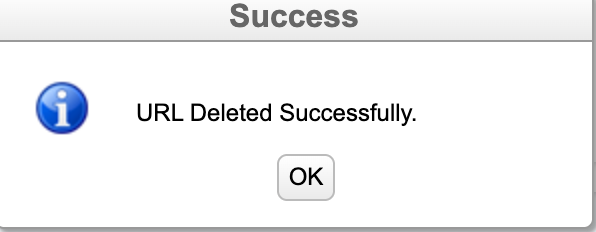
Clicking **Yes, Delete my site** permanently removes the URL, and a confirmation message is displayed once the deletion is successful.
### Start Scan
Clicking the **Scan Now** button opens the **Start Scan** popup.
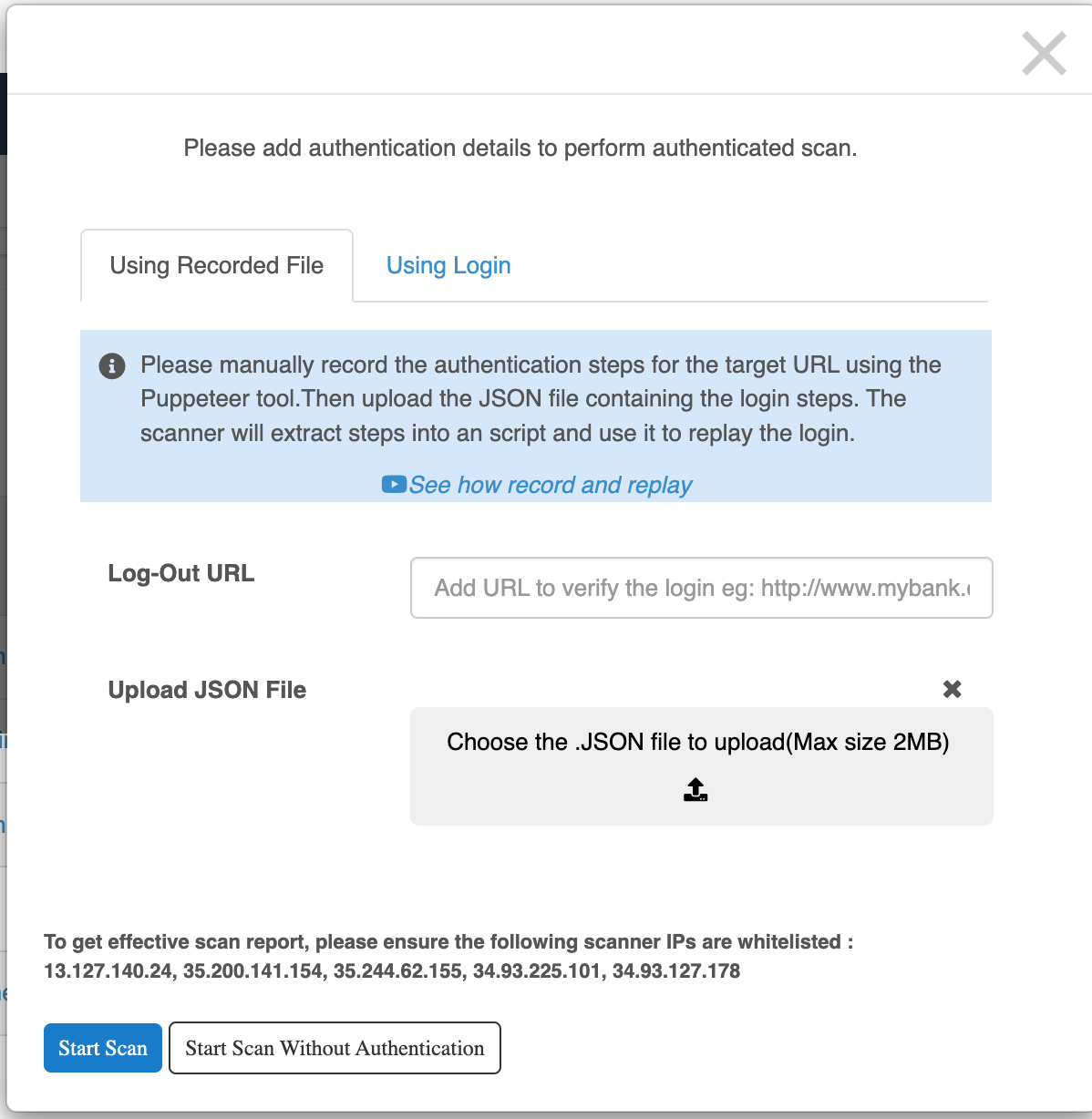
Two methods are available for providing authentication details:
**1\. Using Recorded File**
- Upload a **JSON file** generated via Puppeteer that records login steps.
- Add a **Logout URL** to verify session validity.
- The scanner **replays the recorded steps** for authenticated scanning.
**2\. Using Login Credentials**
- Enter **Login URL**, **Username**, and **Password** directly.
- Scanner will use these credentials for authentication.
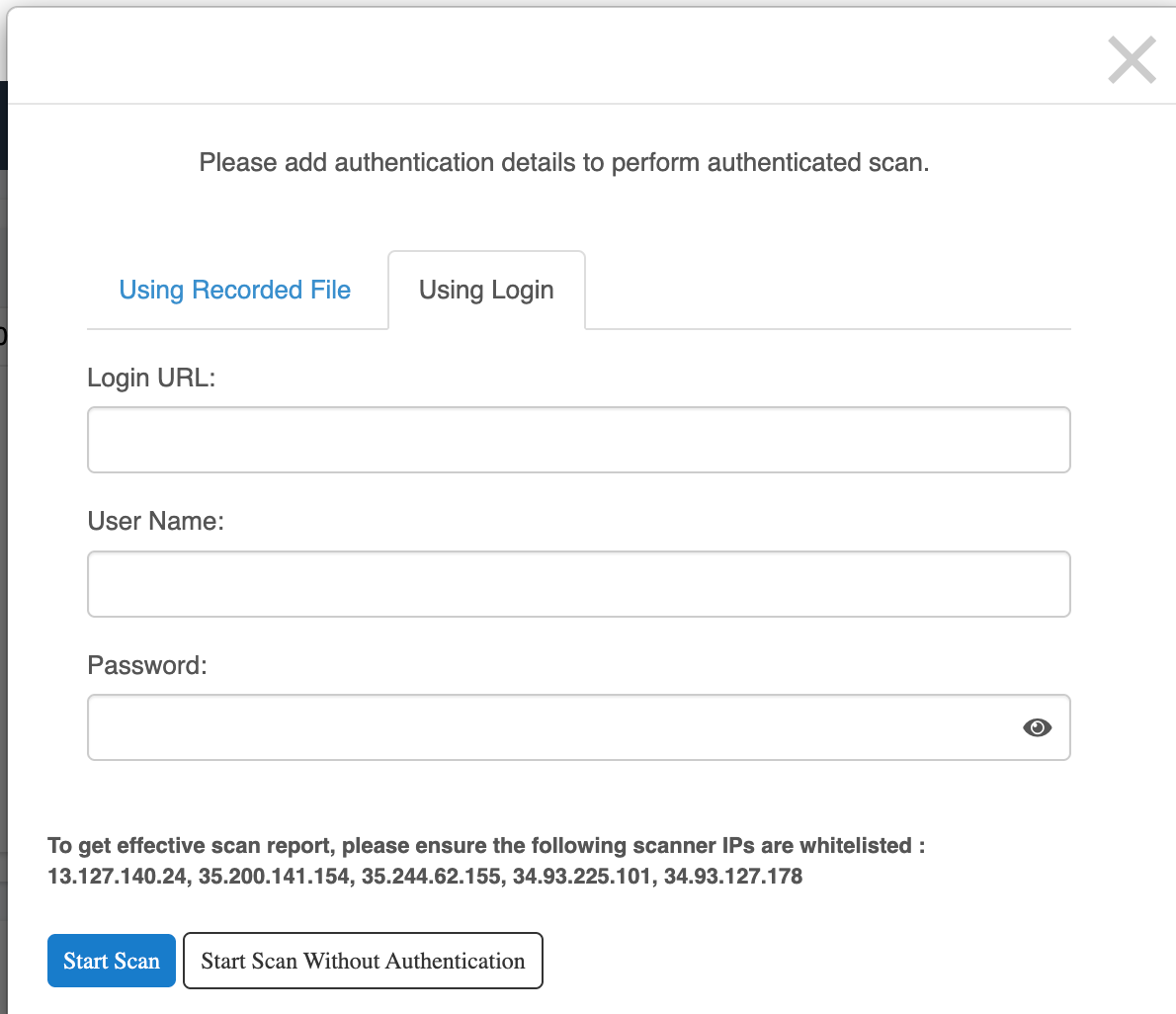
Click **Start Scan without Authentication** to proceed without verification
## Add Website
MSSPs can onboard Applications for scanning either through **self-service** or with assistance from the **Indusface Support Team**.
Click the **Add Website** button to onboard a new application or API.
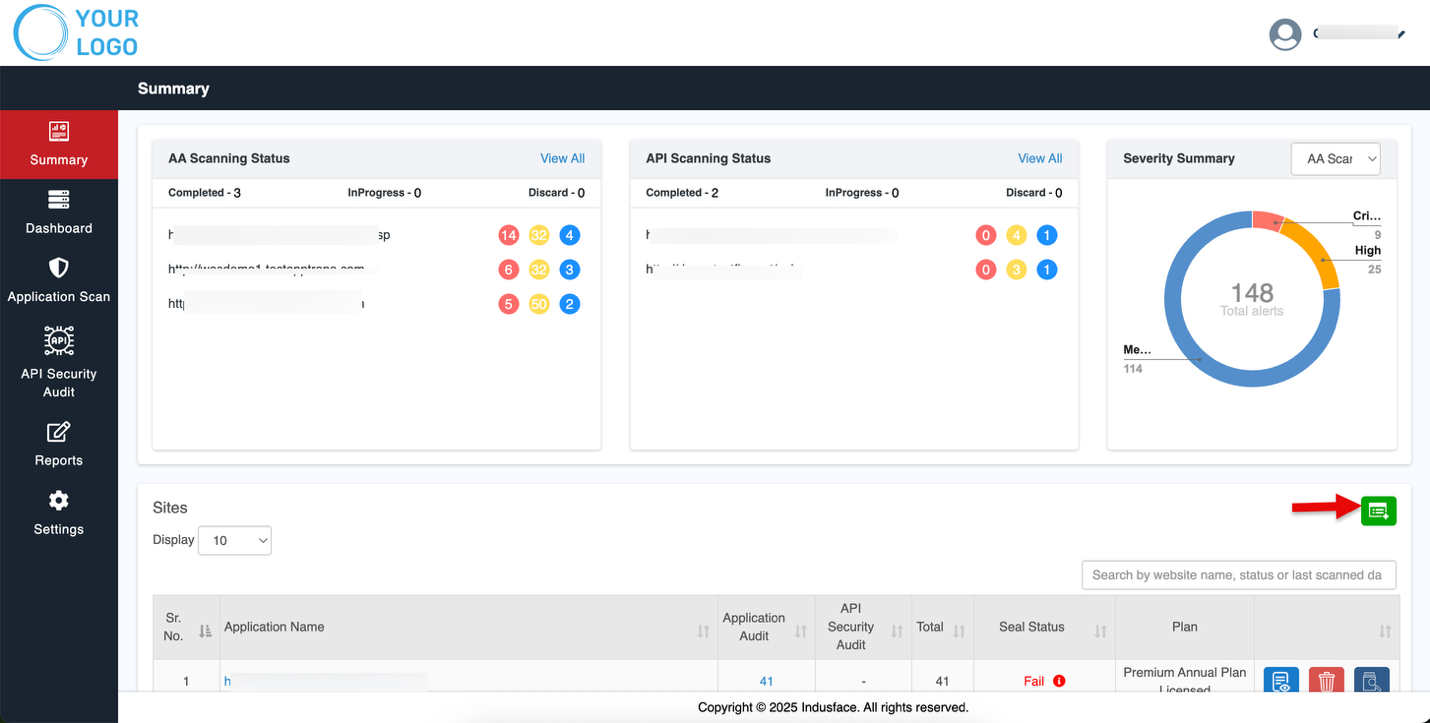
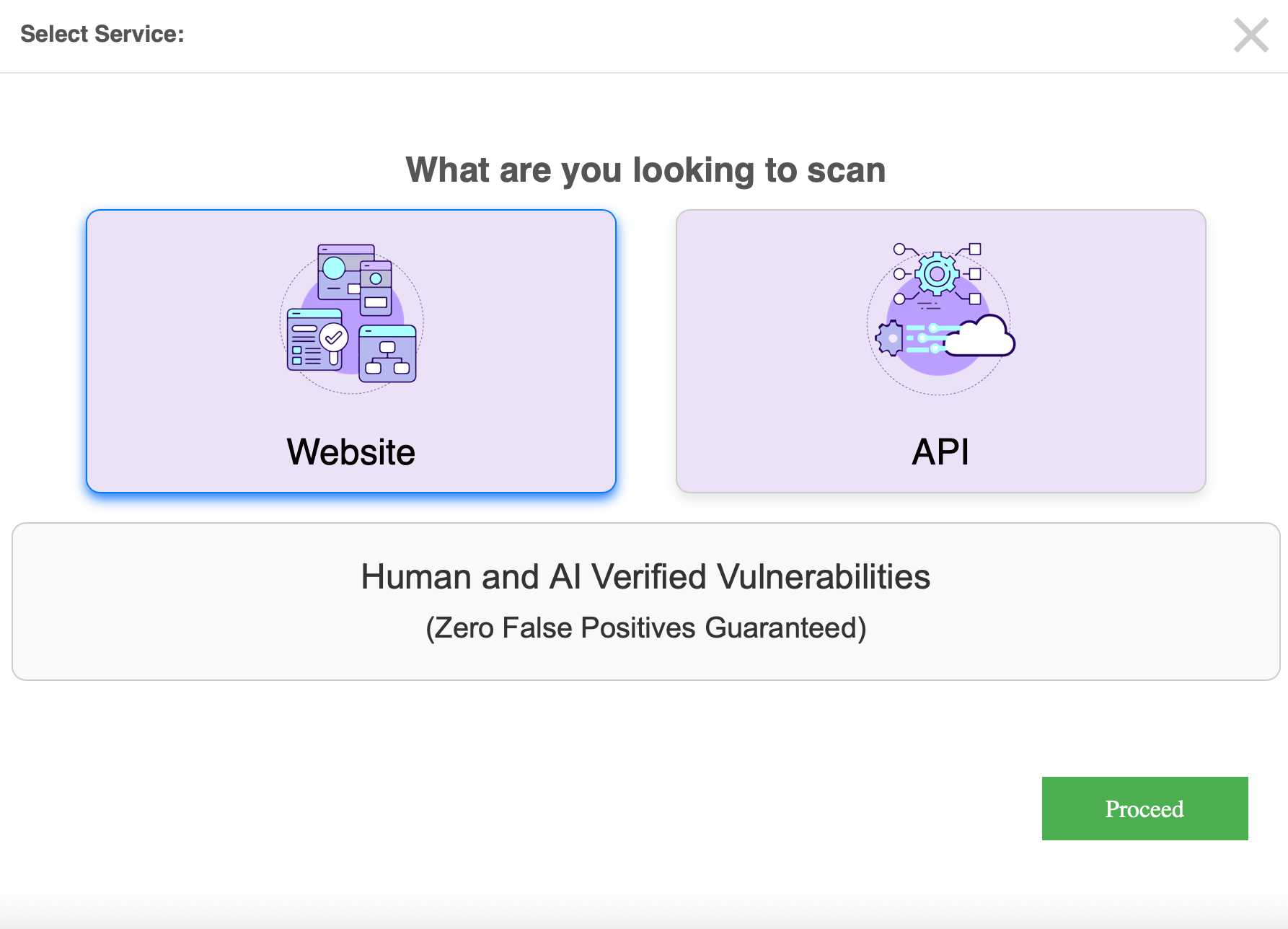
Select the Service to Proceed
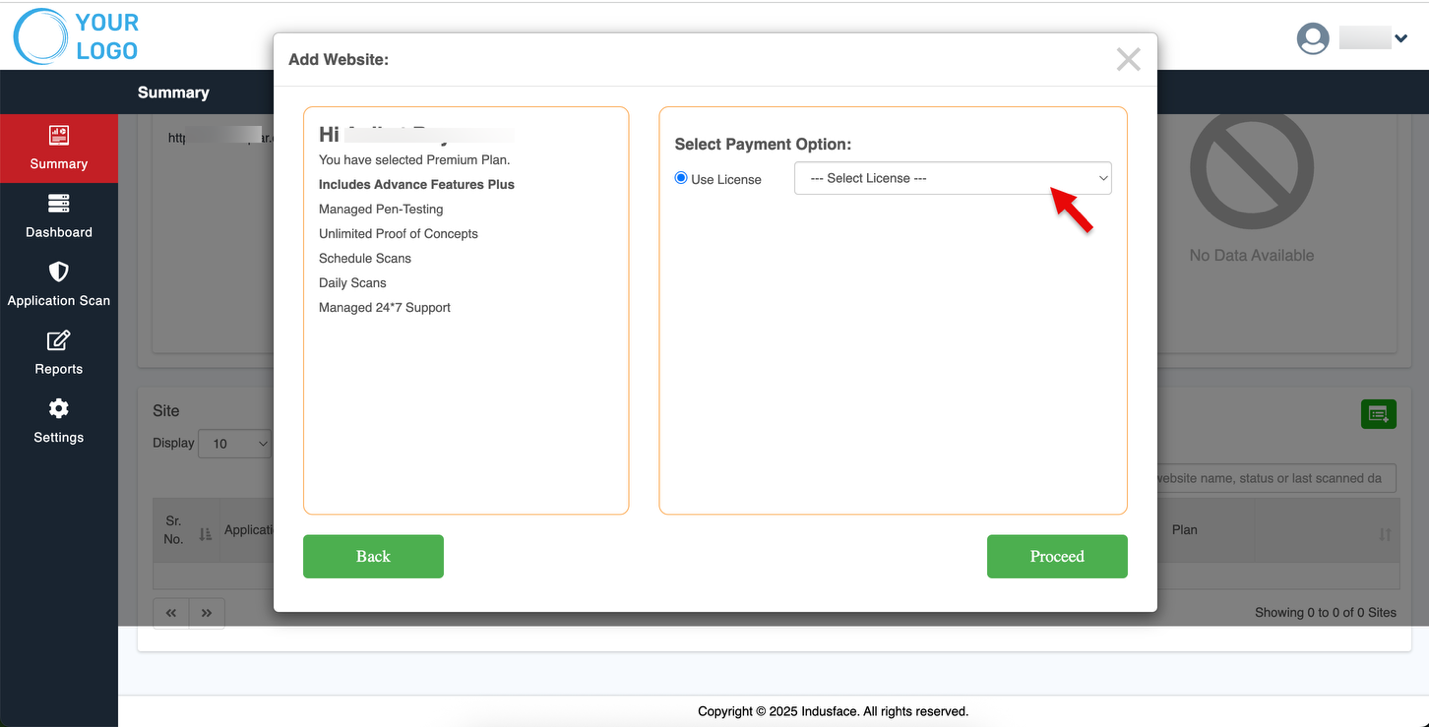
Select your license.
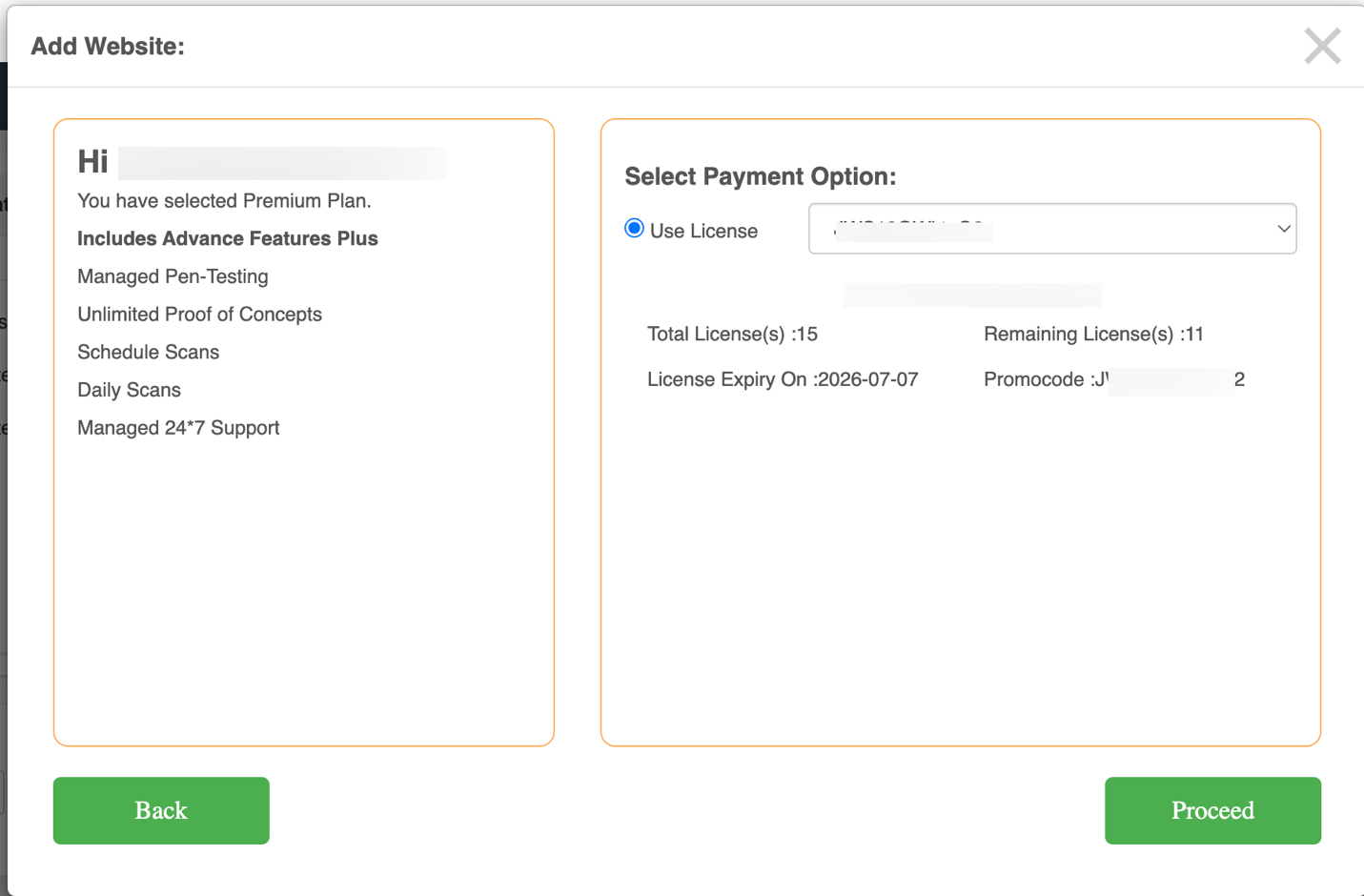
You will also be notified with the following details:
- Total licenses available
- Remaining licenses
- License expiry date
- Applicable promo codes for adding
Click **Proceed.**
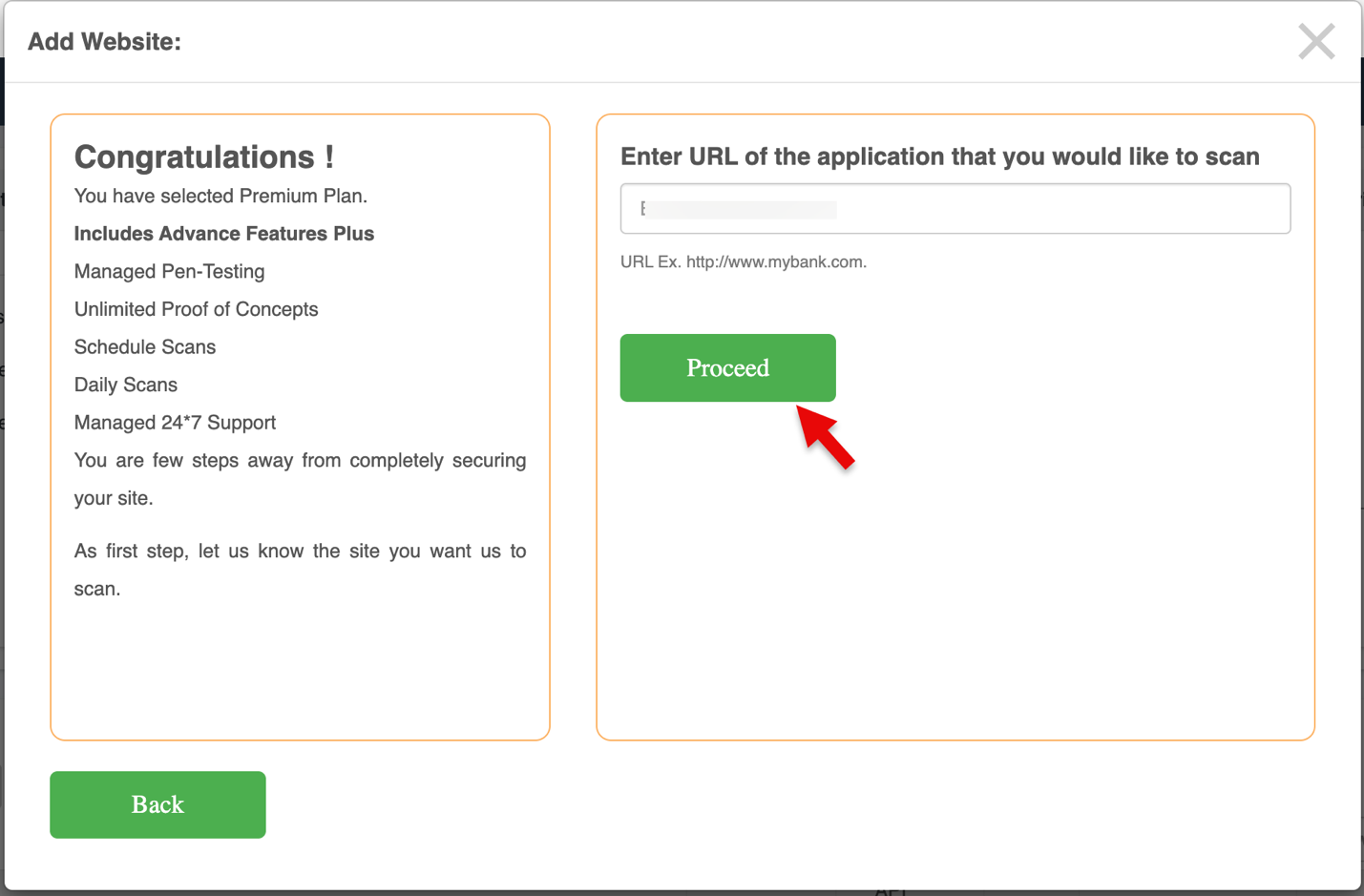
Provide the domain URL in the **Enter Domain Name** field and click **Proceed**.
A pop-up verifies the URL from the backend and requests authentication details.
Enter **required details**, then click **Start Scan**.

Alternatively, click **Start Scan without Authentication** to proceed without verification.
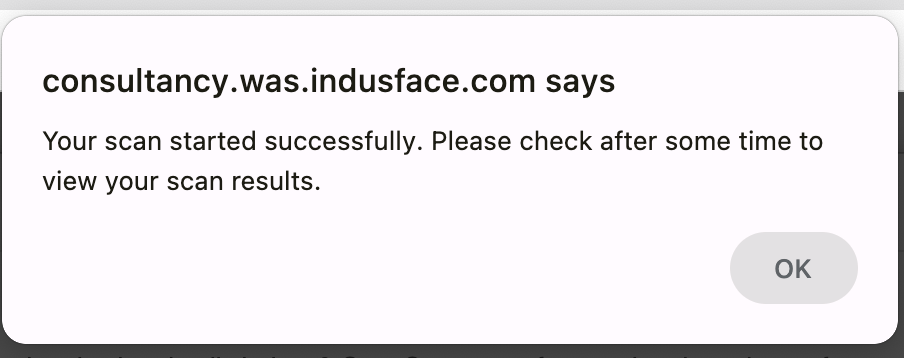
A confirmation message is displayed once the scan starts successfully.